Confusion, incomplete search results, and time-consuming processes are common challenges faced by both researchers and students when accessing full-text articles.
Often, users must navigate multiple platforms, click links generated by link tools, and wait for pages to load. Additionally, more than half of users bypass the library altogether and start their searches on the open web, which complicates access to the library's own resources.
LibKey is an innovative linking technology that provides fast, reliable access to full-text articles, simplifying and accelerating access to content from any search location. It helps libraries eliminate common access barriers, such as broken links, multi-step processes for accessing full-text content via linking tools, and unnecessary authentication for open-access articles.
LibKey Nomad
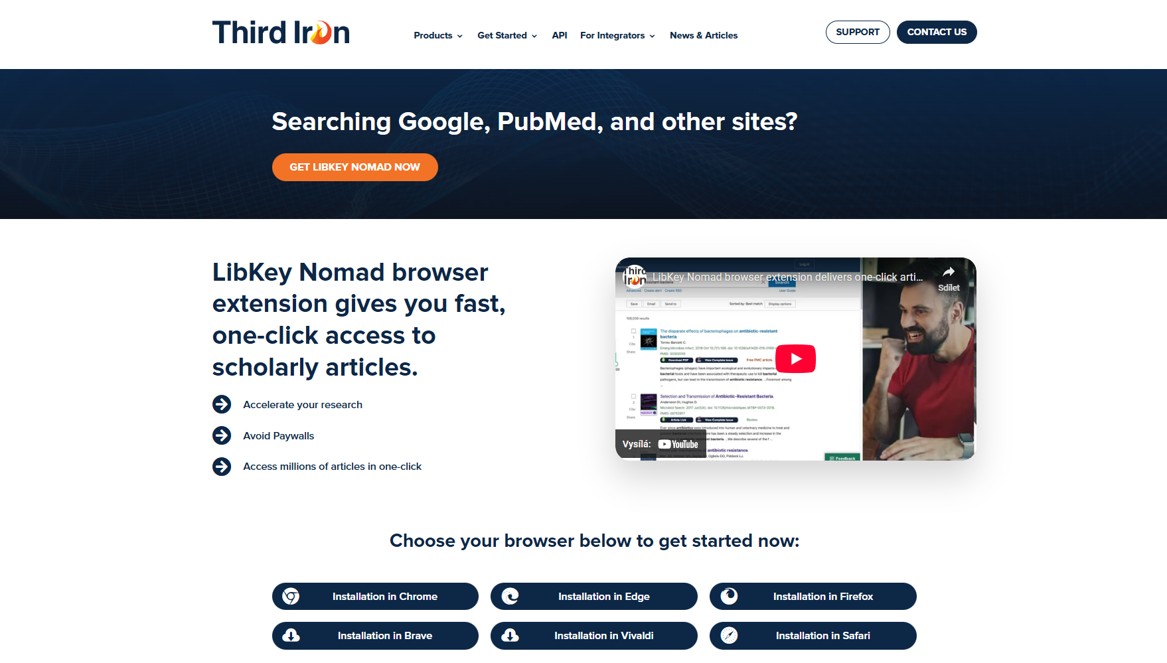
Download the LibKey Nomad browser extension to get fast, one-click access to scholarly articles. You can find additional information about LibKey in this video. LibKey Nomad browser extension delivers one-click article access.
To get started:
1) Go to www.libkeynomad.com
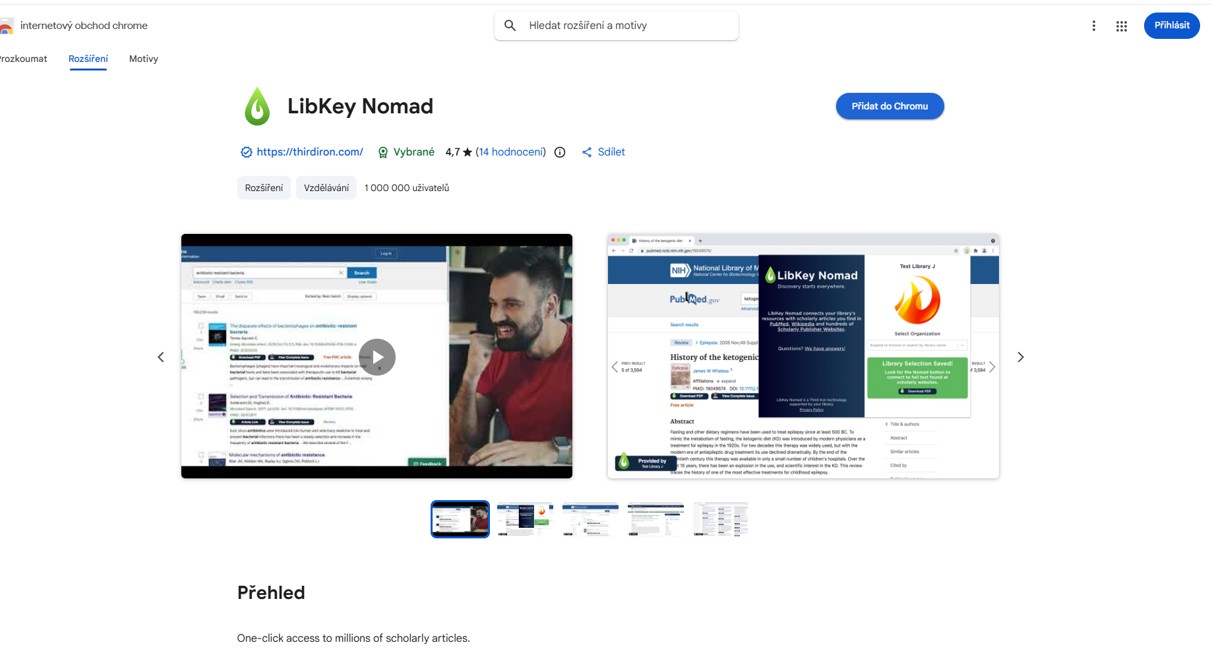
2) Select your browser (Chrome, Edge, Firefox, Safari, Brave, Vivaldi)
3) Download and install
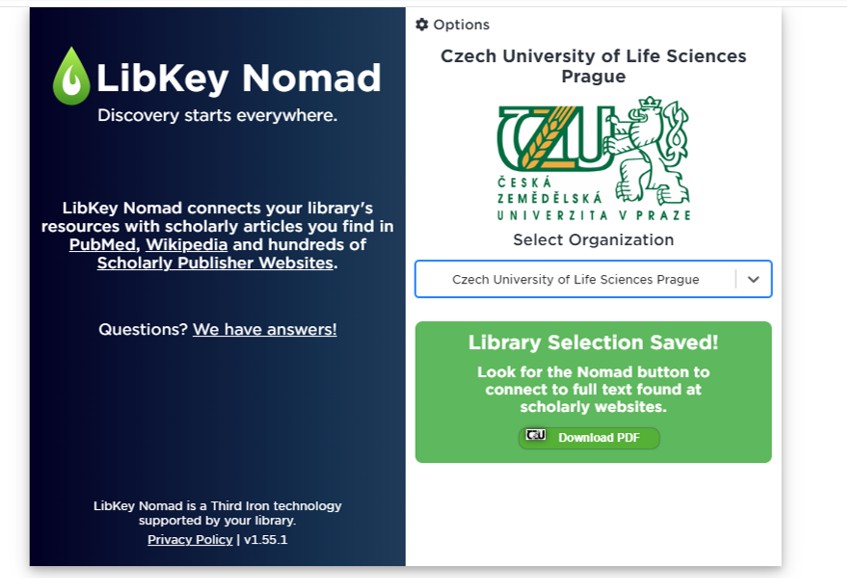
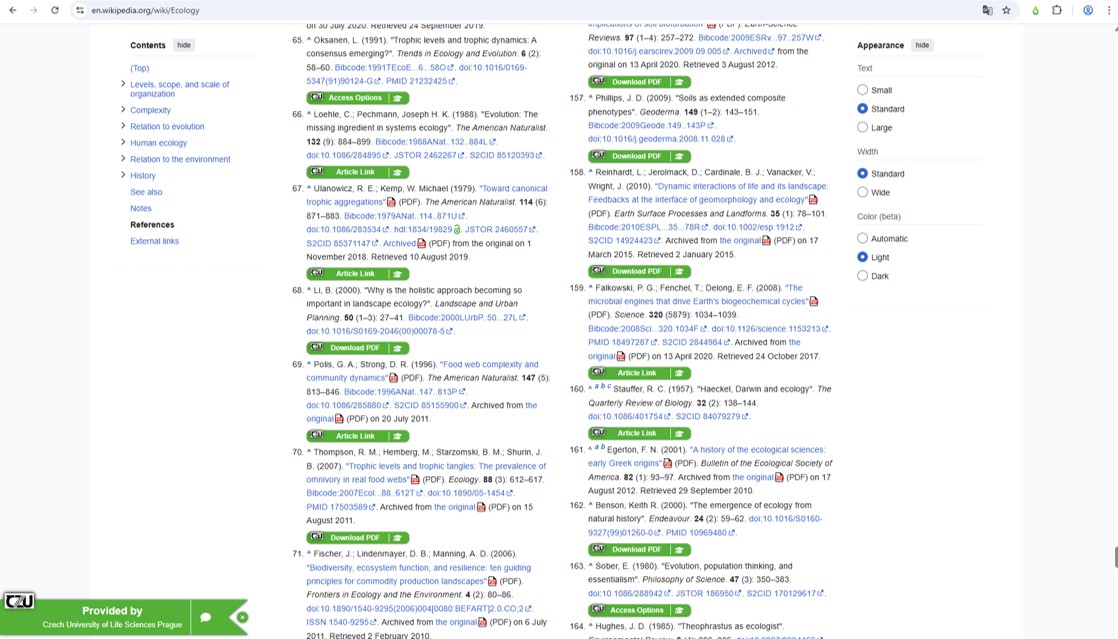
LibKey Nomad Buttons Explained
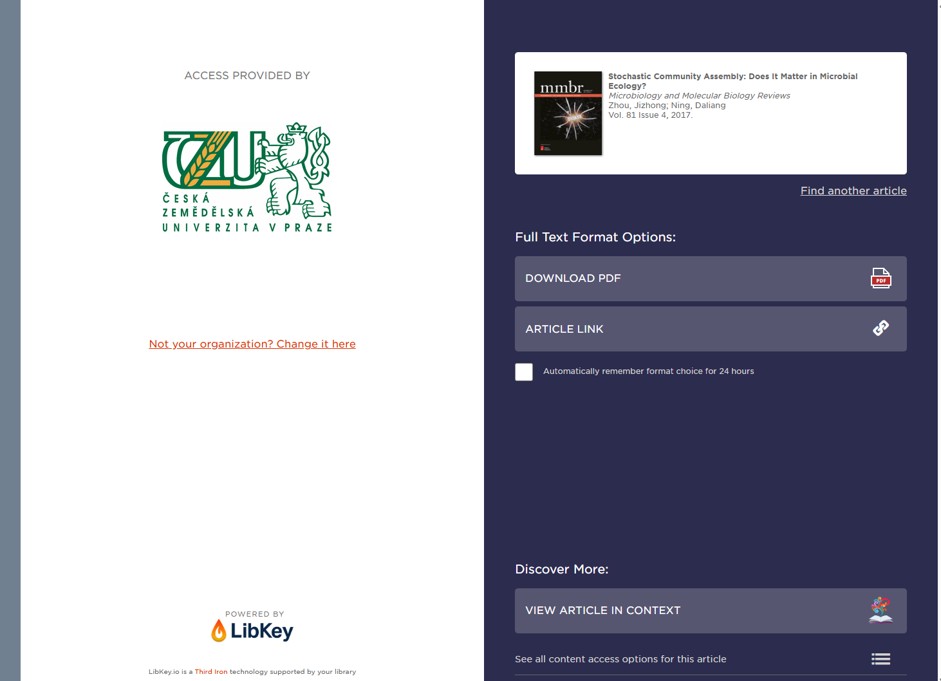
- „Download PDF“ – Your library has this item, and we can instantly download the PDF Full Text in one click.
- „Article Link“ – Your library has this item, and we can link you directly to the article page, where you can access the full text.
- „Manuscript PDF” and „Manuscript Link" - An Open Access version of the article is available. This may not be the final, published version of the article.
- „Access Options“ - The article may not be immediately available, but your library can help you get it.
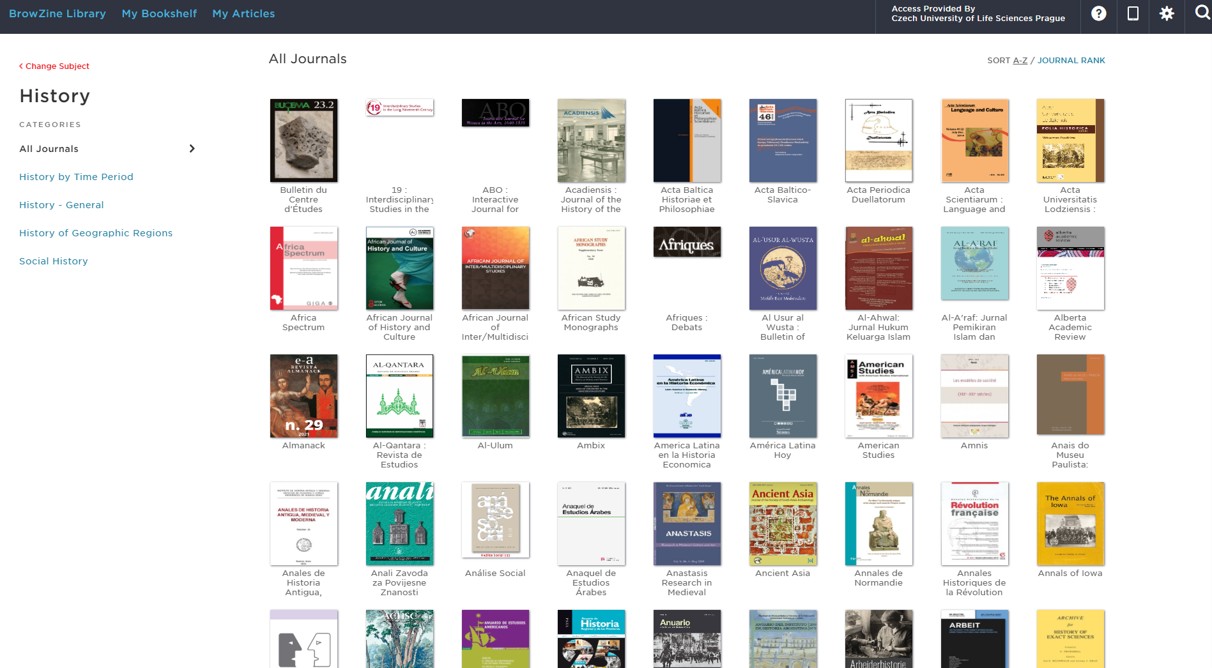
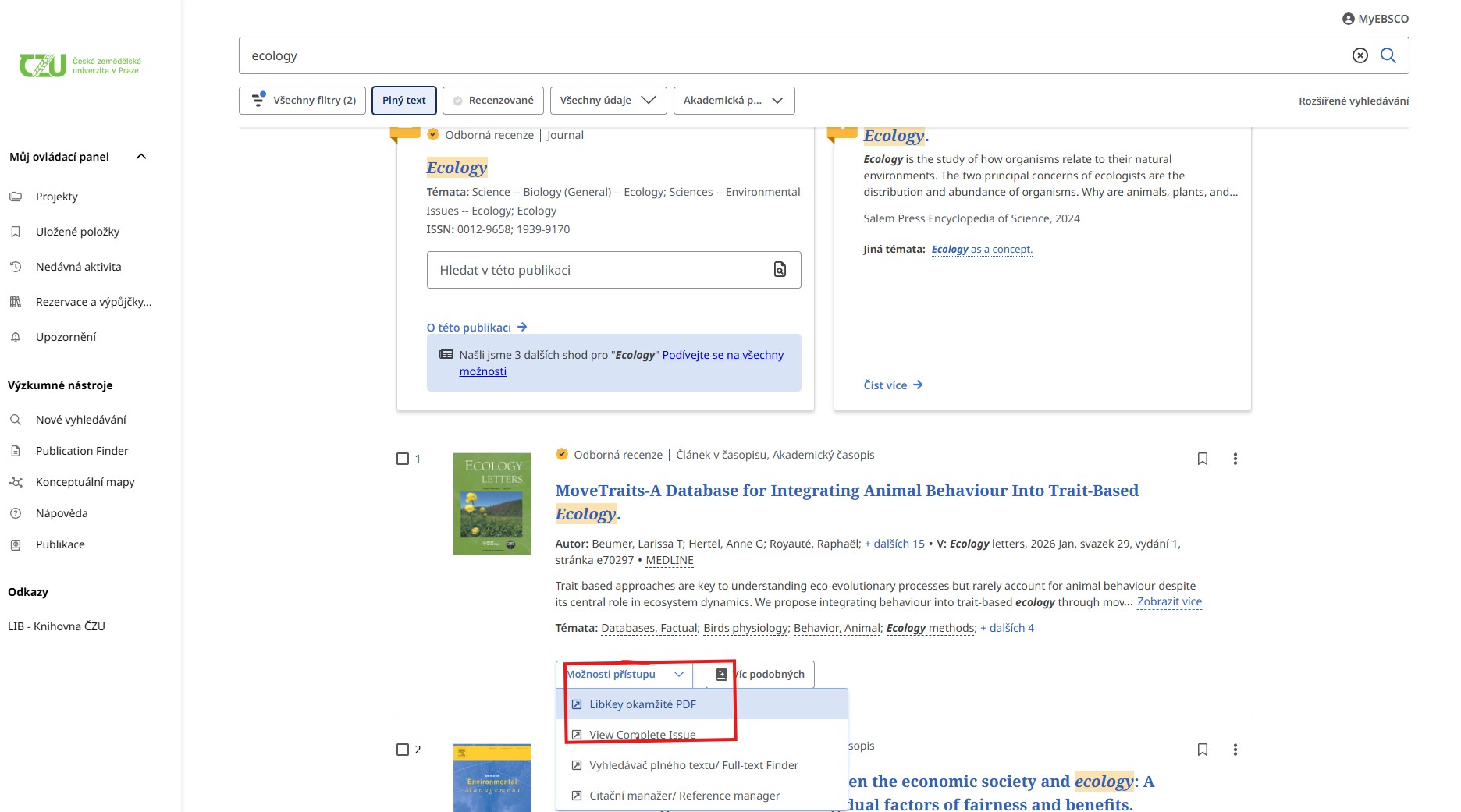
- „View Complete Issue” - A link to the BrowZine platform where you can view the full journal issue in which the article is published, allowing you to find additional, relevant articles.
Browzine
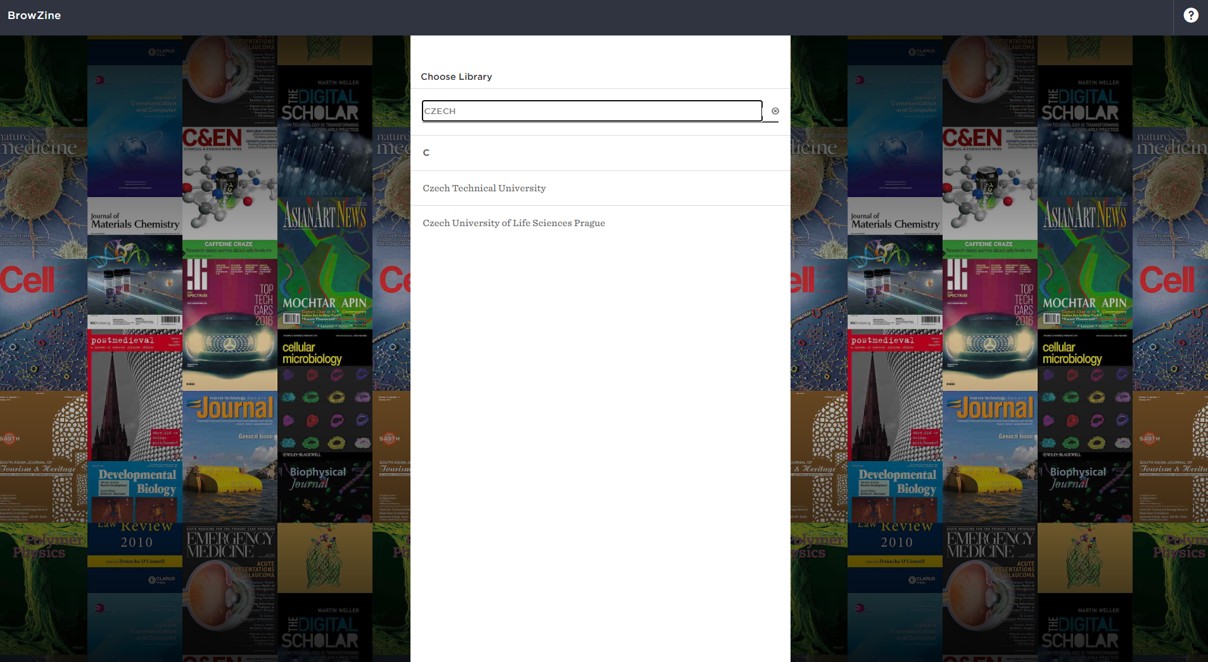
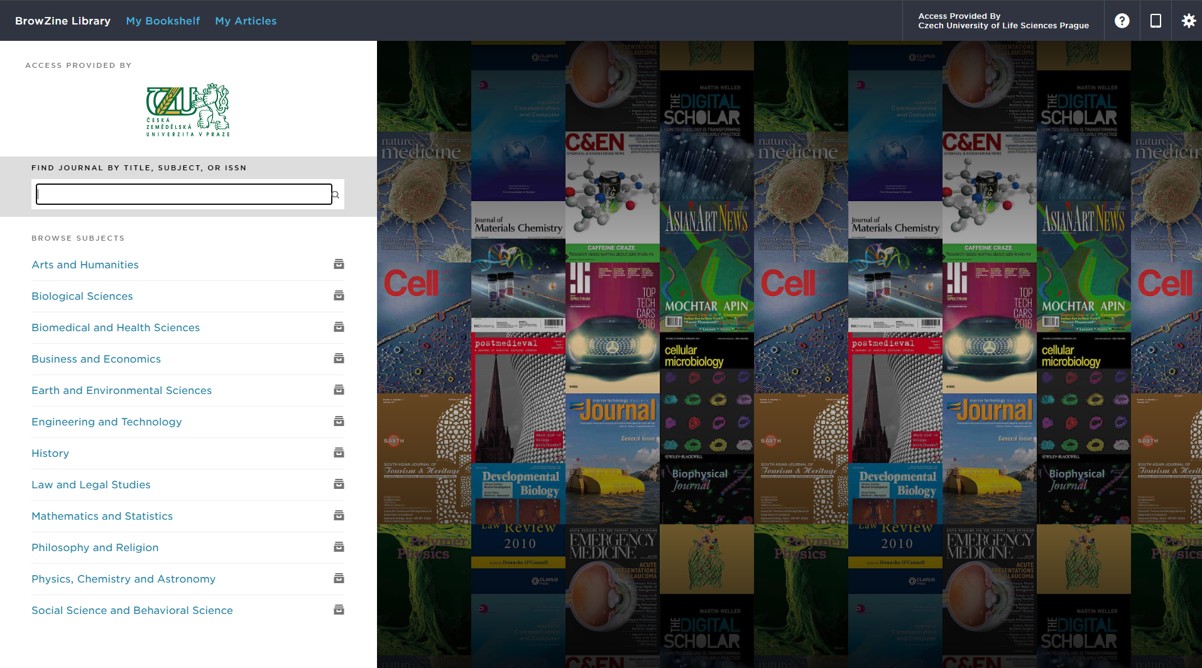
BrowZine is a service that lets you browse, read, and follow scholarly journals in a beautiful visual display. You can find additional information about LibKey in this video BrowZine User Tutorial (2020).
With BrowZine, you can:
• Browse and read journals: Browse thousands of top journals by subject, easily review tables of contents, and download full articles.
• Stay Current with My Bookshelf: Create a personal bookshelf of titles to follow and receive new article notifications.
• Access on any device: Easily access BrowZine from your iOS and Android device and on the web to stay up to date wherever you are.
• Save and export articles: Use the BrowZine app to save articles for off-line reading or export to services such as DropBox, Mendeley, RefWorks, EndNote, Zotero, Papers and more.
Get started today! Simply visit www.browzine.com
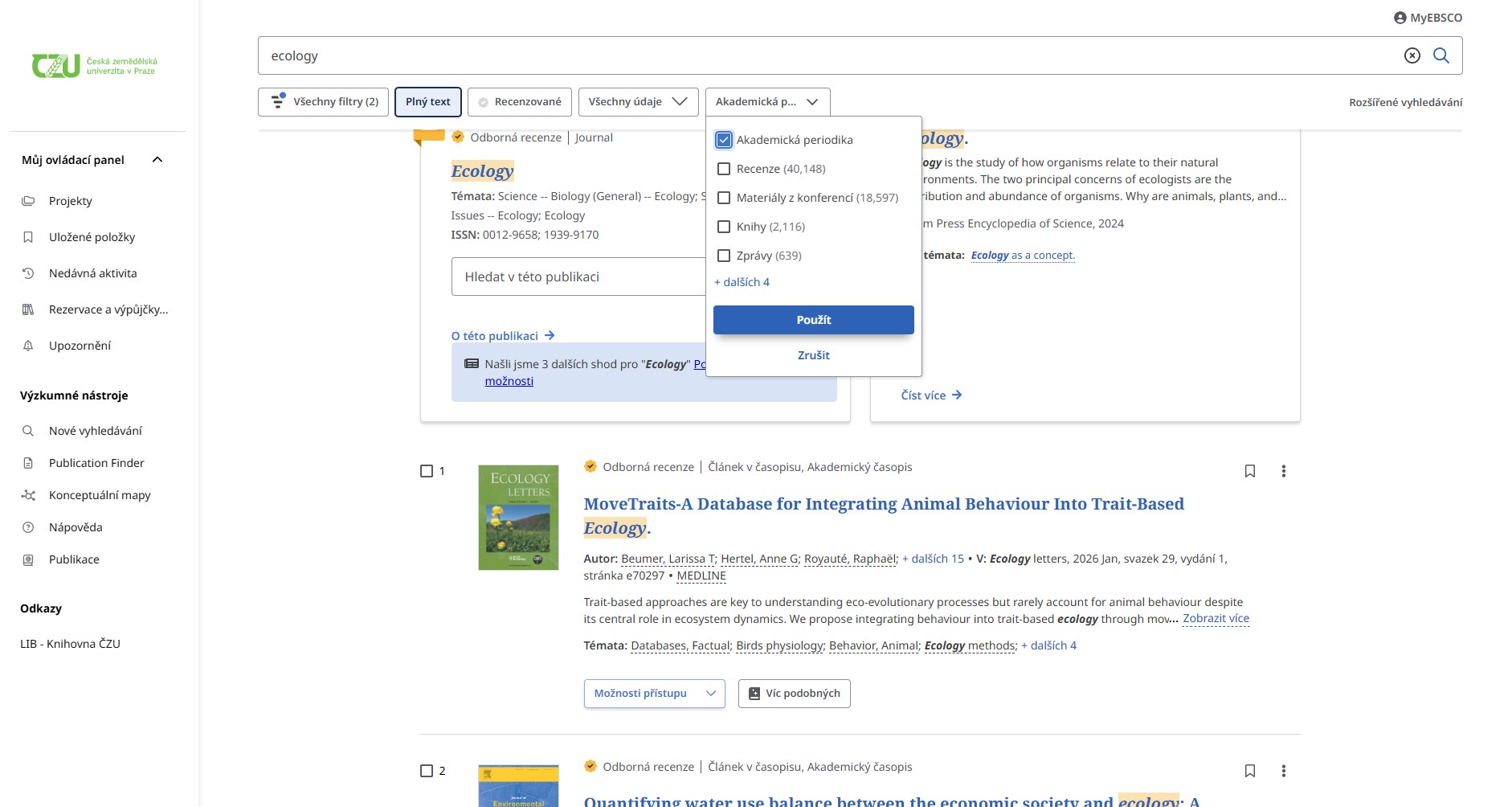
LibKey Integration in the EDS Search Engine
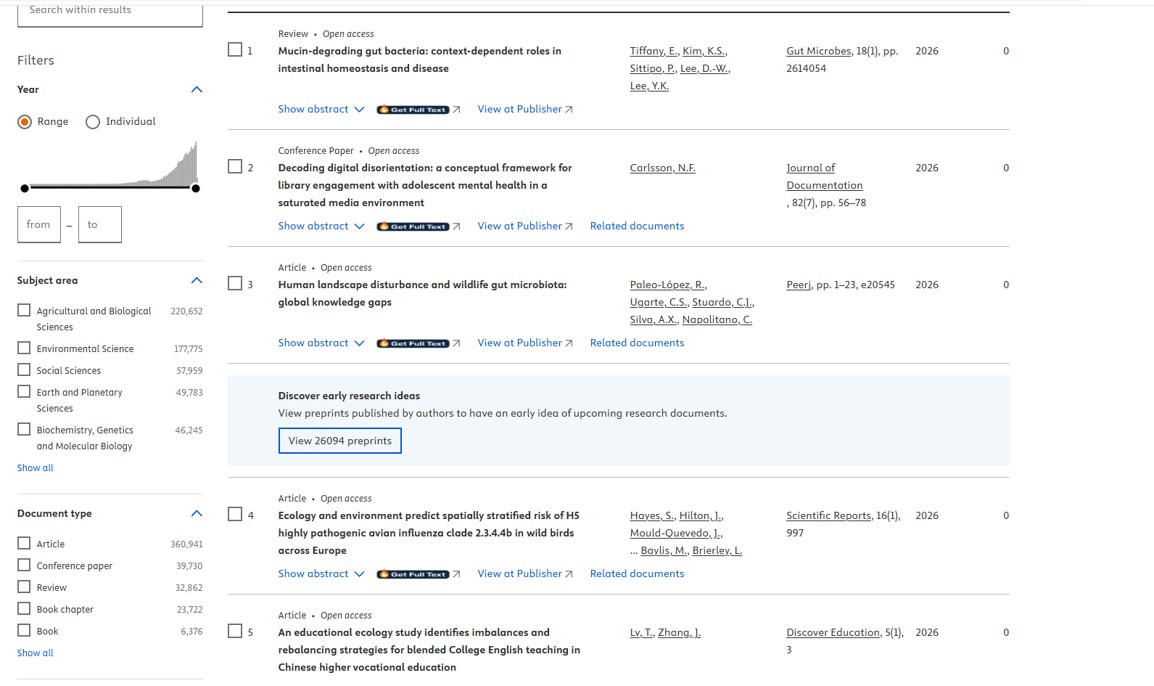
LibKey integration in Scopus
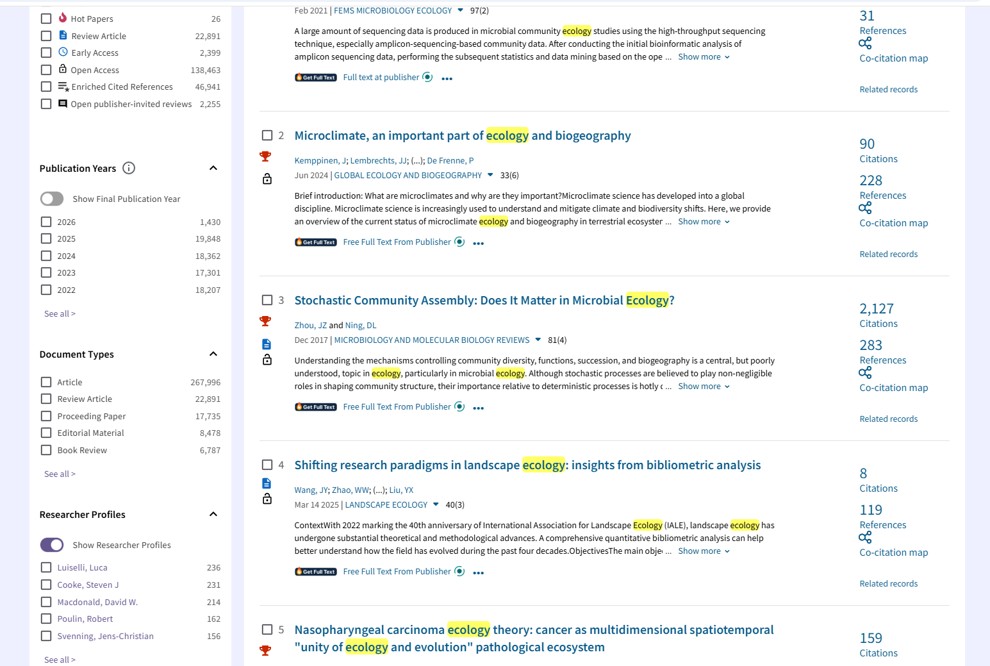
LibKey integration in Web of Science